 AI PHOTOSHOOTS FOR FASHION BRANDS
AI fashion photography · Rachilo
Your collection.
A whole new
point of view.
Turn your garment photos into model-led fashion visuals. Explore new settings, build a collection story, and create with Rachilo.
Start with one clear garment photo. Sign in to create.
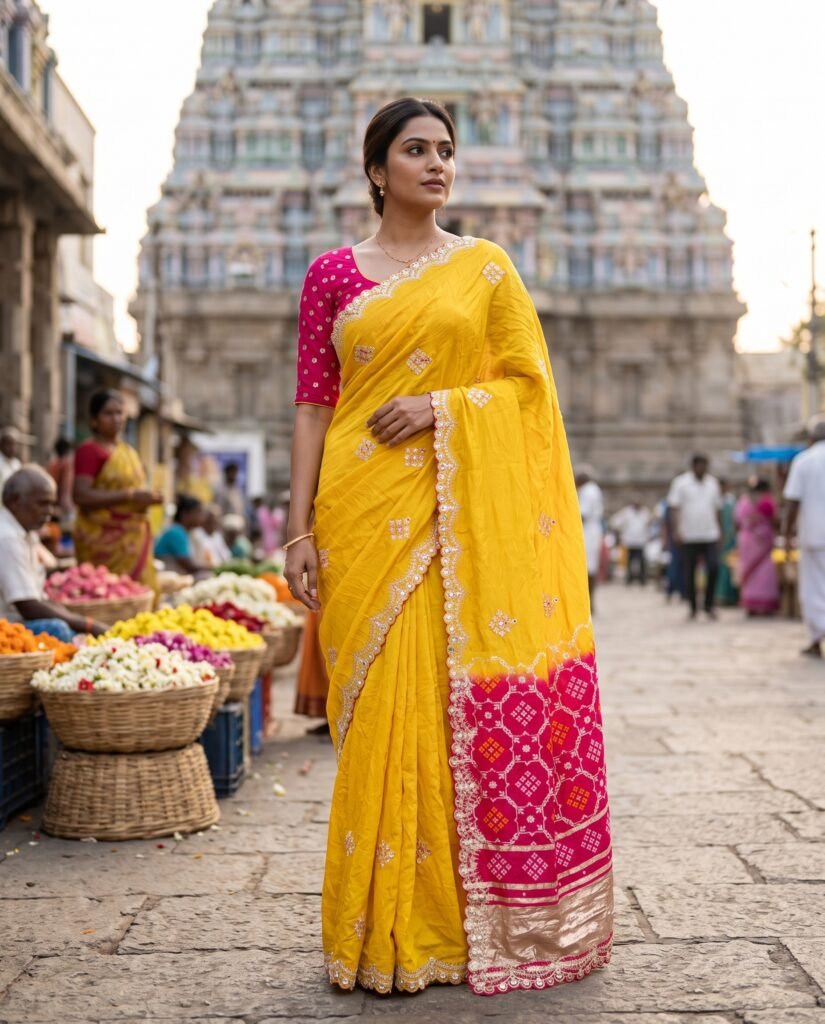
THE EDITORIAL / 01
A LITTLE INSPIRATION. A NEW PERSPECTIVE.
For independent labels
For growing collections
For everyday creativity
For your next campaign
A different way to shoot
Traditional shoot.
Meet the AI studio.
Two ways to create your next collection.
| What matters | Traditional photoshoot | Rachilo AI photoshoot |
|---|---|---|
| Getting started | Book a team, model, and location. | Upload a photo. Choose your look. |
| Scheduling | Plan a shoot and editing schedule. | Start anytime. Processing time varies. |
| Budget | Pay for the team, setup, and editing. | Use credits. Check costs before creating. |
| New looks | New looks may need another shoot. | Try new looks with more credits. |
| Product detail | Captures the physical garment. | AI interpretation. Review garment details. |
Check AI results against your original garment before publishing.
The transformation
Same garment.
A new perspective.
From your original product photograph to a new studio look. See the two side by side.
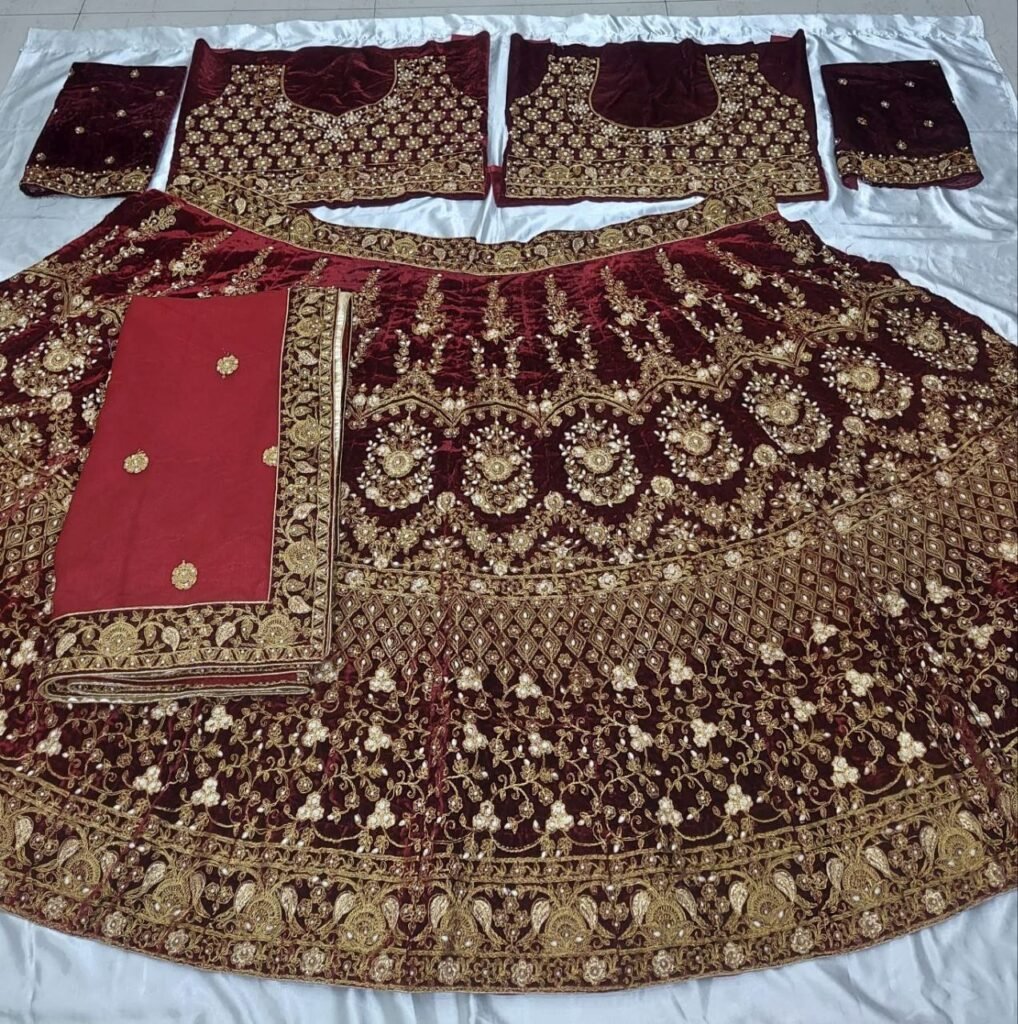
01 / Before
The original garment
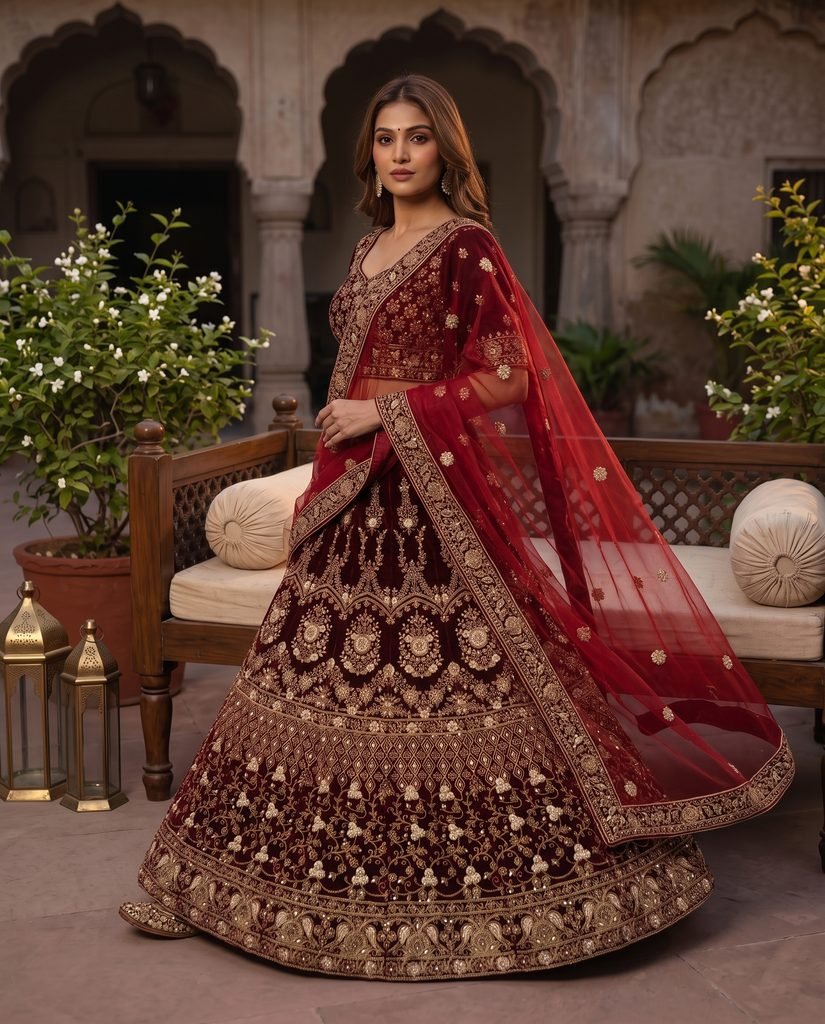
02 / After
The Rachilo studio result
From garment to story
Less organising.
More creating.
A simpler way to explore fashion photography, with your product at the centre.
01
Bring your garment.
Start with a clear product photo. Let the fabric, silhouette, and details set the direction.
02
Find your look.
Choose the model and setting in the studio. Shape a visual world that feels like your brand.
03
Make your selection.
Review your images, check the product details, and download the shots that work for you.
Not sure which photo to use? See the photo upload guide ↗.
Made in Rachilo
A moving moodboard.
Made by you.
A continuous stream of looks created with our app.
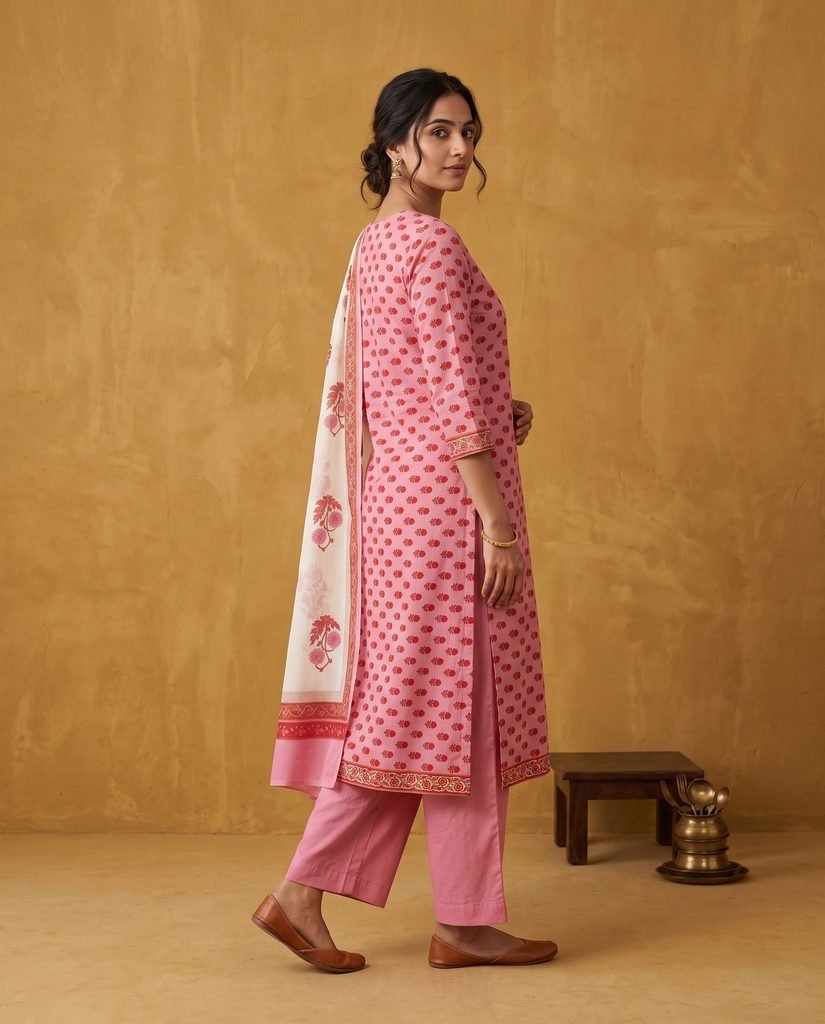
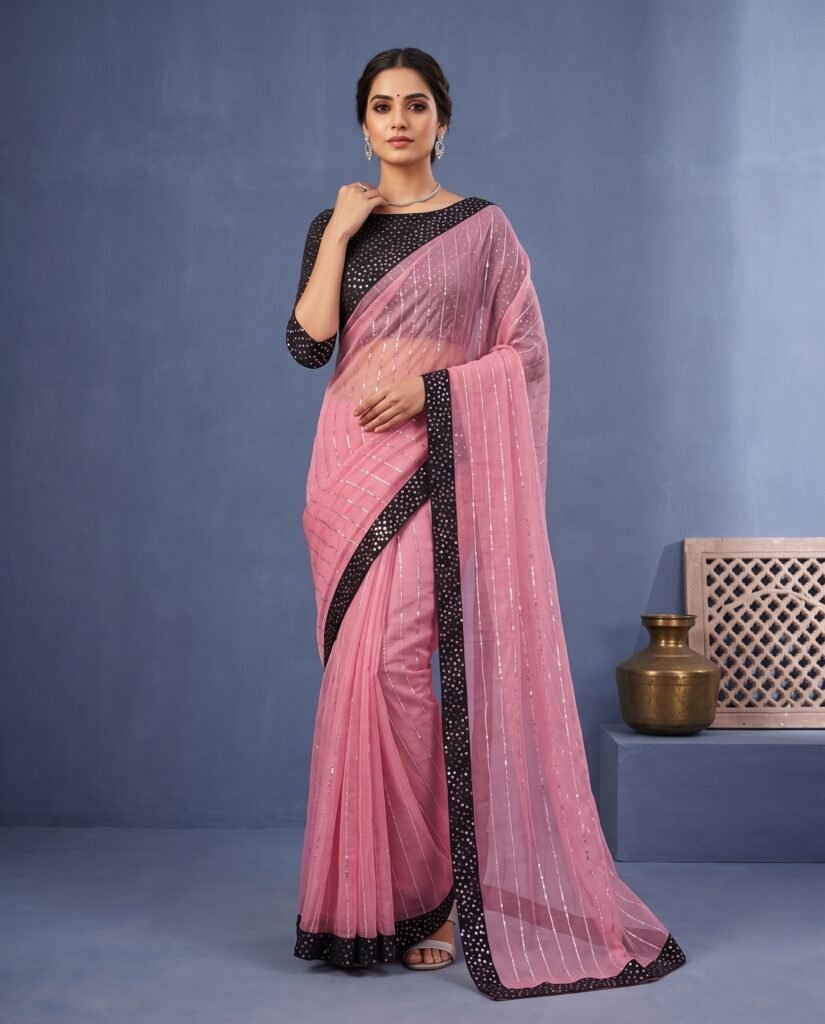
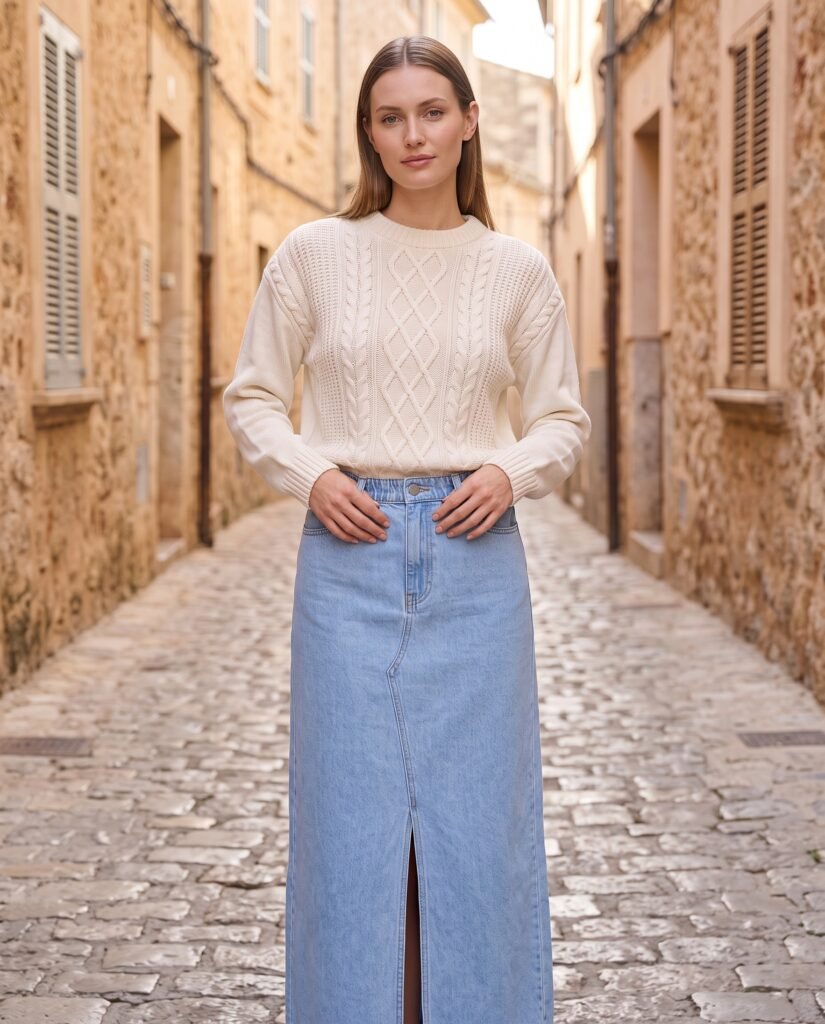
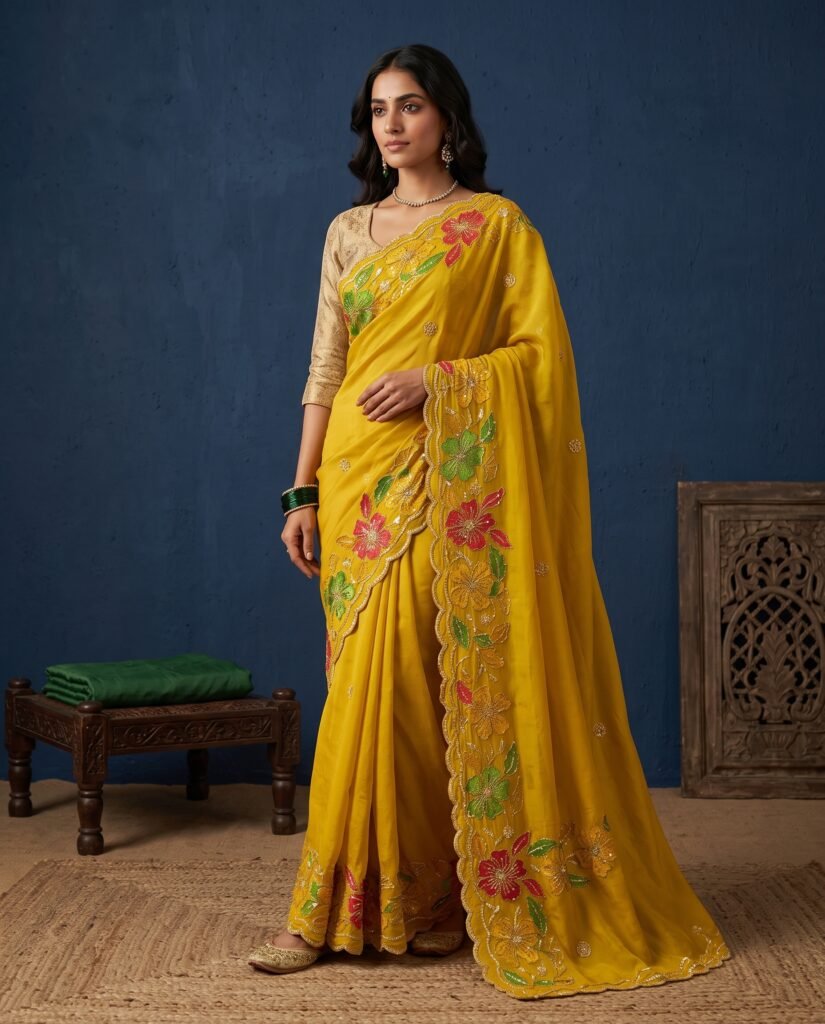
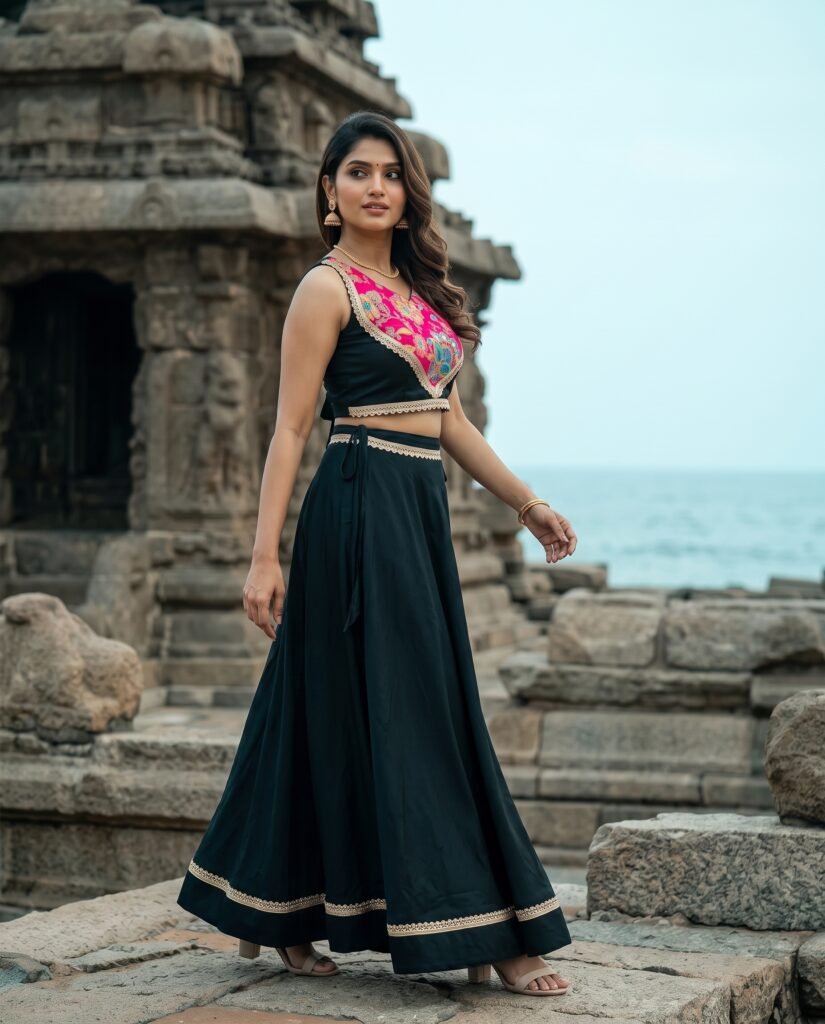
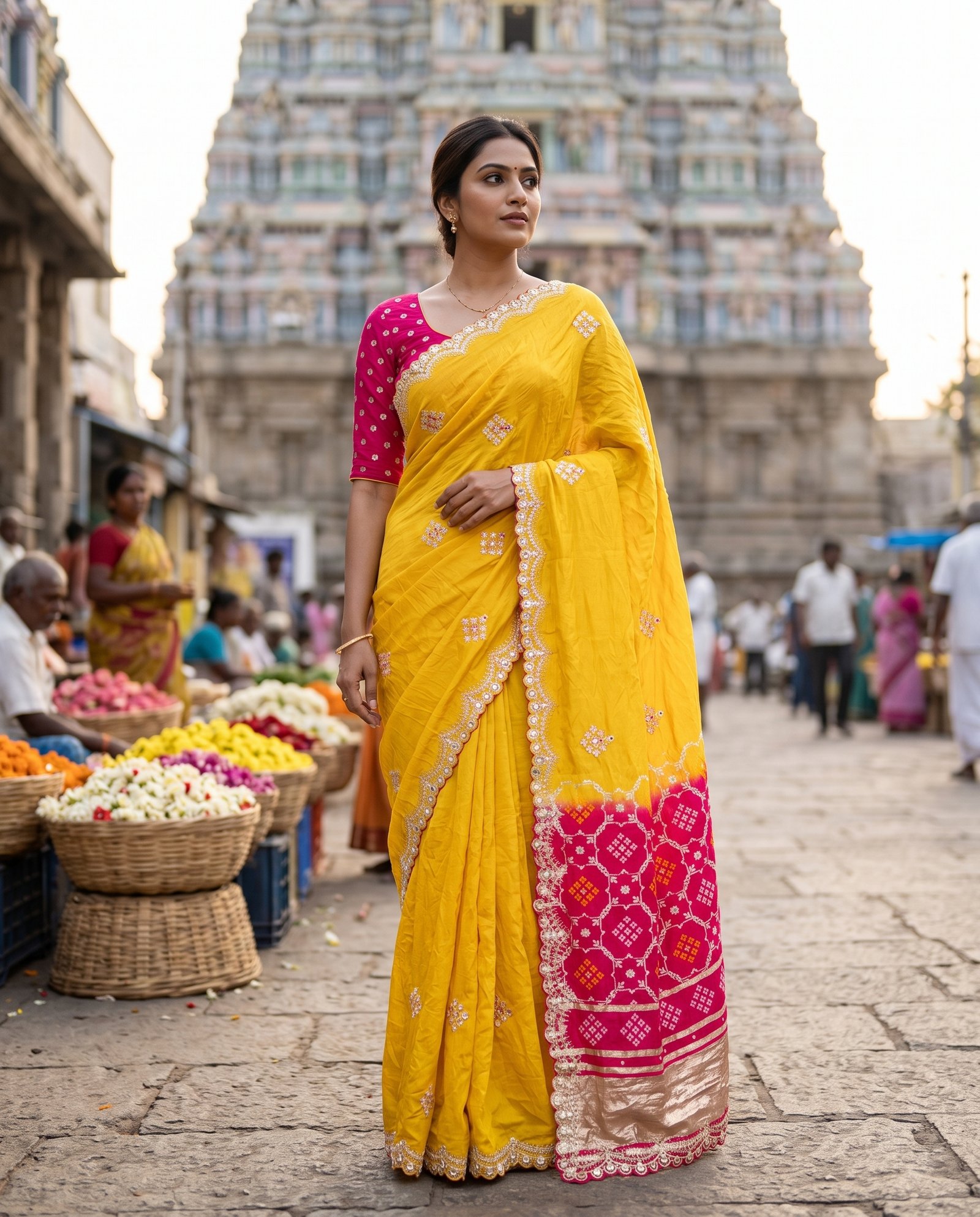
Create at your own pace
Your next shoot.
Your choice.
Explore current credit packs and generation options in the Rachilo app. Your selected tool and output quality determine the credits used.
Rachilo credits
Choose a pack.
Create at your own pace.
- Choose the credit pack that suits you
- Review costs in the app before creating
- Keep and download your selected images
Current prices and terms are shown in the studio.
A few things to know
Before your
first shoot.
How do I start?
Open the Rachilo studio and sign in. Upload a clear garment photo, then follow the guided creation flow.
Is this the same as the Rachilo app?
This is the Rachilo website. The Open studio button takes you to our separate web app, where you create and manage your shoots.
Will the images match every garment detail?
AI output can vary. Check colours, prints, embroidery, and fit against your original photo before using an image in your store or campaign.
Where can I see plans and credits?
The studio shows the current plans and credit options. Check those details before starting a paid shoot.
Still have a question? Contact options ↗.
Rachilo
Your next collection.
Seen differently.
Bring one garment photo. Explore a look. Make your selection.